
Smart Home Ecosystems: How Amazon Alexa, Google Home, and Apple HomeKit Differ
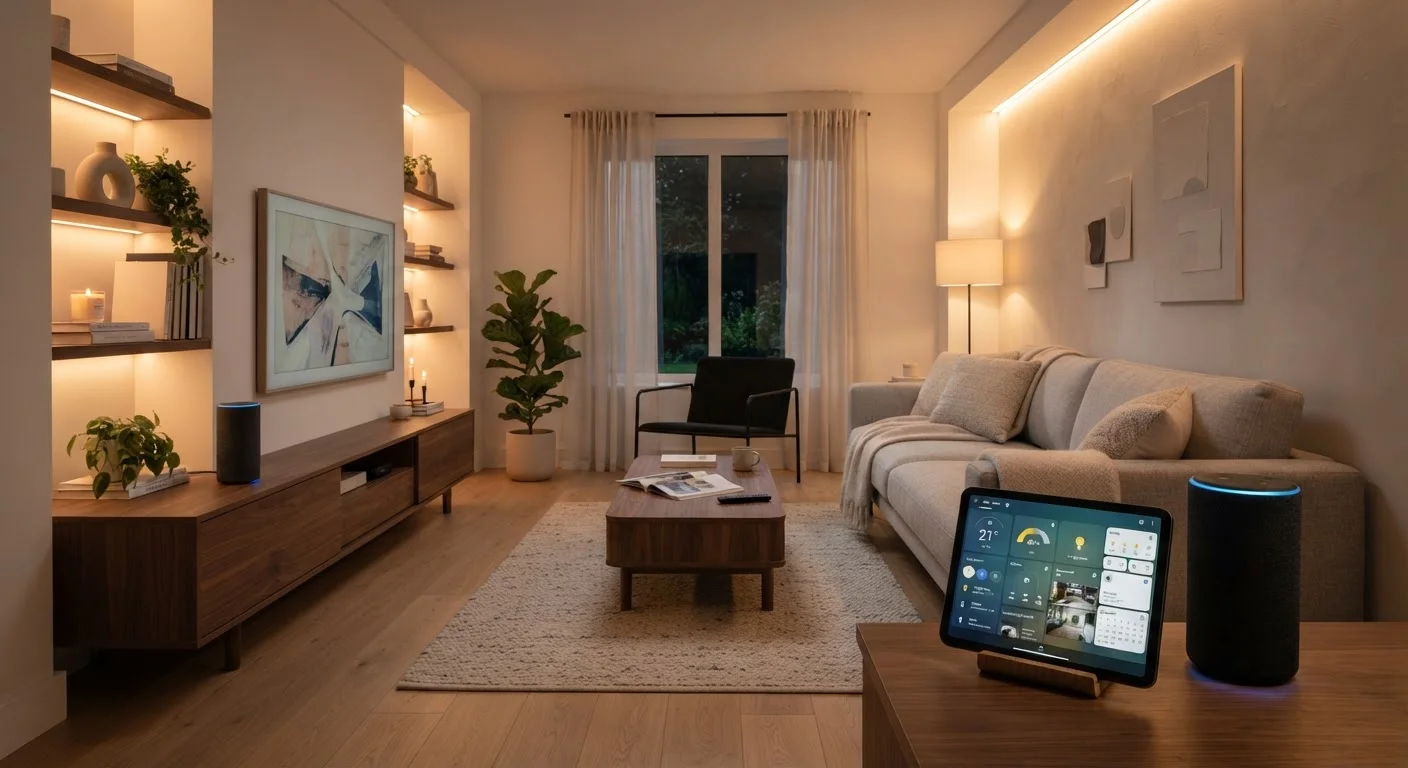
Photo credit: ProximityFinds.com | One-stop Reading Source
In this article
Choosing a smart home platform shapes which devices work together. Learn how the three major ecosystems are structured and what each one prioritizes.
Key Takeaways
- Amazon Alexa supports the broadest range of third-party devices, making it highly flexible for mixed-brand setups.
- Google Home integrates tightly with Google services and excels at answering complex questions via natural language.
- Apple HomeKit prioritizes on-device privacy and deep iOS integration, but requires more Apple-compatible hardware.
- Matter, a new cross-platform standard, is gradually reducing compatibility barriers between all three ecosystems.
- Your choice of ecosystem should start with the smartphone and services you already use most.
What a Smart Home Ecosystem Actually Is
A smart home ecosystem is the platform - including the app, voice assistant, and communication protocols - that lets your connected devices talk to one another and respond to commands. Think of it as the operating system of your home. Without a shared ecosystem, a smart bulb from one brand and a smart lock from another may not cooperate, no matter how individually capable they are.
The three dominant platforms in the US market are Amazon Alexa, Google Home, and Apple HomeKit. Each is built around a different core philosophy: Alexa around breadth of compatibility, Google Home around intelligence and services integration, and HomeKit around privacy and the Apple device experience. If you're putting together a home tech setup from scratch, understanding these differences upfront can save significant time and money - see our guide to building a home tech setup for broader context on where smart home gear fits into a starter electronics plan.
How Each Platform Is Structured
Amazon Alexa operates through Echo smart speakers and displays, and is accessed via the Alexa app. Its standout characteristic is the size of its device compatibility library - Alexa works with tens of thousands of third-party products across lighting, security, thermostats, appliances, and more. Alexa's "Skills" system lets developers extend functionality, though skill quality varies widely.
Google Home runs through Nest speakers and displays and the Google Home app. It draws on Google's strength in search and AI to handle complex, conversational voice queries more naturally than its competitors. Google Home also connects tightly with Google Calendar, Maps, and other services, making routines more context-aware - for example, adjusting your thermostat based on your commute schedule.
Apple HomeKit is managed through the Apple Home app on iPhone, iPad, or Mac, with Siri as its voice interface. HomeKit requires devices to pass Apple's certification process, which keeps the compatible product list smaller but enforces consistent quality and security standards. A key architectural difference: HomeKit processes most automation logic locally, on a HomePod or Apple TV acting as a home hub, rather than routing commands through the cloud.
| Amazon Alexa | Google Home | Apple HomeKit | |
|---|---|---|---|
| Voice Assistant | Alexa | Google Assistant | Siri |
| Device Compatibility | Very broad (tens of thousands) | Broad | Selective (certified only) |
| Primary App | Alexa app (iOS/Android) | Google Home app (iOS/Android) | Apple Home app (Apple only) |
| Command Processing | Cloud-based | Cloud-based | Primarily local |
| Privacy Emphasis | Moderate | Moderate | High |
| Google Services Integration | Limited | Deep | Limited |
| Matter Support | Yes | Yes | Yes |
| Best Platform Pairing | Android or mixed | Android / Google users | iPhone / Apple users |
Privacy, Security, and Data Handling
Privacy is one of the starkest dividing lines between the three ecosystems. Apple HomeKit's local-first processing means your home's automation data is less likely to leave your network. Amazon and Google, by contrast, process voice commands primarily in the cloud - a trade-off that enables more powerful AI responses but involves transmitting data to external servers.
Amazon and Google both offer opt-out tools and have hardened their security practices over time, but neither matches HomeKit's structural emphasis on keeping data on-device. Consumers who are particularly sensitive about household data - such as families with young children or older adults - may weight this factor heavily. Privacy settings and policies do change, so it's worth reviewing each platform's current documentation directly.
Review Privacy Settings After Setup
All three ecosystems collect some usage data by default, but each offers settings to limit voice recording storage, disable personalized features, or delete your history. Take time to review the privacy dashboard in your chosen platform's app after initial setup. Leaving default settings unchanged can mean more data is retained than you expect.
The Role of Matter in Reducing Lock-In
One development worth understanding is Matter, an open connectivity standard backed by Amazon, Google, Apple, and other industry players. Matter-certified devices are designed to work across all three major ecosystems simultaneously, meaning a single smart plug could be controlled through Alexa, Google Home, or HomeKit without compromise.
Matter adoption is still expanding - not every device category or manufacturer has released Matter-compatible products, and some advanced features may still require a device's native ecosystem. But for anyone buying new smart home hardware, checking for Matter certification is a practical way to preserve future flexibility and reduce dependency on any one platform. This is especially relevant as households evolve - a platform that works well for a single person can feel limiting once a partner or family members with different device preferences are in the picture.
Look for Matter Certification When Shopping
When evaluating new smart home devices, check the packaging or product listing for Matter certification. Matter-certified products work across Alexa, Google Home, and HomeKit, giving you the freedom to switch ecosystems or mix platforms down the road. This is particularly useful in shared households where different family members may use different phones or voice assistants.
Choosing the Right Ecosystem for Your Household
The most practical starting point is the smartphone you already own. iPhone users gain the most from HomeKit's Siri and Apple Home integration; Android users will find Google Home more seamless. If neither applies - or if your household mixes platforms - Alexa's broad compatibility makes it a natural common denominator.
Also consider your existing investment in smart devices. Replacing a collection of Alexa-compatible lights simply to move to HomeKit carries real cost. Conversely, if you're starting fresh, choosing a platform aligned with your digital life from the outset avoids those switching costs entirely. How smartphone use changes across life stages is a useful lens here - the same platform that suits a young renter may need to be reconsidered as household needs grow and change.
Finally, think about who else lives in the home. Shared spaces benefit from platforms with intuitive apps and easy multi-user controls. All three ecosystems support multiple users, but setup complexity varies - Google Home and Alexa tend to be more straightforward for household sharing, while HomeKit requires all users to be on Apple devices.
69%
US adults own at least one smart home device
According to Statista consumer survey data, smart speaker and smart device penetration in US households has grown substantially through the early 2020s.
3+
Average smart devices per connected US home
Industry research suggests most smart home adopters quickly expand beyond a single device once they establish a working ecosystem.

Author
Technology Editorial Team
Technology Editorial Team is the collective byline for our editorial team and contributor network. Articles published under this byline or an editorial pen name are researched, written, and reviewed according to our editorial standards for clarity, consistency, and independence before publication.
View all articles →