
Why Your Phone Battery Degrades Faster Than It Should
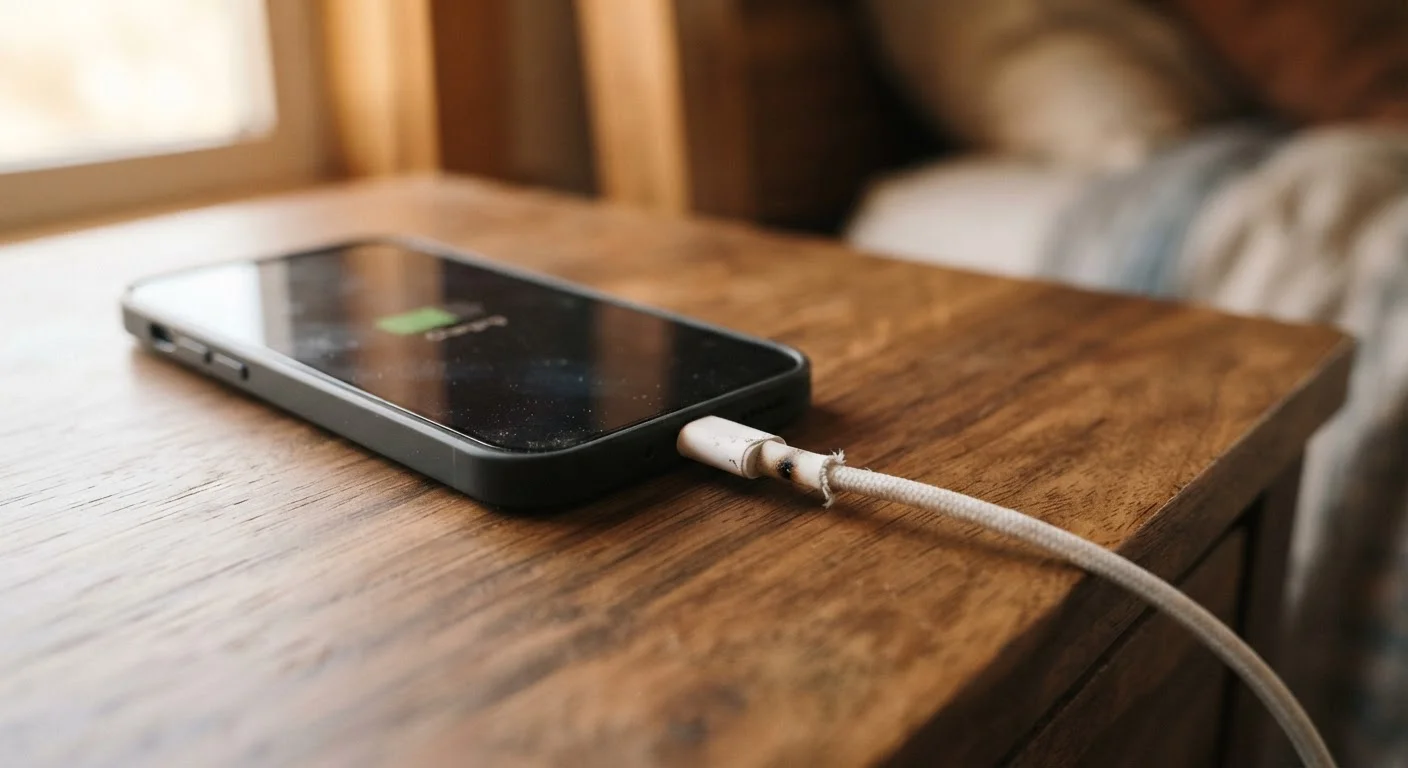
Photo credit: ProximityFinds.com | One-stop Reading Source
In this article
Charging habits, heat exposure, and software settings all quietly drain battery health. Understand the science and the simple fixes.
Key Takeaways
- Lithium-ion batteries degrade faster when routinely charged to 100% or drained near 0%.
- Heat is the single biggest accelerant of battery aging - even passive warmth from surfaces matters.
- Several software behaviors, like background refresh and always-on displays, quietly add stress cycles.
- Simple habit changes can meaningfully extend how long a battery holds useful capacity.
How Lithium-Ion Batteries Actually Age
Every smartphone sold in the US today runs on a lithium-ion battery. These batteries degrade through a process called capacity fade - each charge cycle causes microscopic changes inside the cell that permanently reduce how much energy it can store. The result isn't sudden failure; it's a slow, compounding decline that most people only notice when their phone barely makes it through the afternoon.
Understanding why this happens requires knowing one key fact: lithium-ion chemistry is most stable in the middle of its charge range. Operating repeatedly at the extremes - fully topped off or nearly empty - stresses the electrodes and accelerates the chemical reactions that reduce capacity. Most manufacturers design their batteries to complete roughly 300 to 500 full cycles before dropping noticeably below 80% of original capacity, but real-world habits can cut that lifespan significantly shorter.
For a deeper look at how this same chemistry plays out at a larger scale, see our overview of lithium-ion EV battery degradation.
Keeping your phone plugged in at 100% charge for extended periods.
Why it happens: Overnight charging is a convenient habit, and most people assume modern phones "stop" charging at full. While charging does slow, holding a battery at peak voltage for hours still accelerates electrode wear.
Regularly draining the battery all the way to 0% before charging.
Why it happens: This habit comes from older nickel-cadmium batteries, which benefited from full discharge cycles. Lithium-ion chemistry works differently and is stressed by deep discharge, not helped by it.
Leaving your phone in hot environments - on a car dashboard, in direct sunlight, or on a wireless charger pad for hours.
Why it happens: Heat feels passive and unavoidable. Many people don't connect a warm phone with long-term battery damage because the effect isn't immediate.
Using maximum screen brightness, always-on display modes, and high-refresh-rate settings around the clock.
Why it happens: These settings deliver a better visual experience and are enabled by default on many flagship phones. Their battery impact is gradual, so users rarely connect the setting to shortened battery life.
Ignoring background app refresh and push notifications for dozens of apps.
Why it happens: Apps request background access during installation, and most users tap "allow" without considering the cumulative battery cost of dozens of apps pinging servers continuously.
The Habits That Hurt Most - and What to Do Instead
Most battery damage isn't caused by defective hardware. It comes from everyday routines that feel harmless but quietly compound over months and years. Correcting even two or three of the mistakes below can make a measurable difference in how long your battery holds a useful charge.
Heat Damages Batteries Faster Than Anything Else
Of all the factors that shorten battery life, sustained heat exposure causes the most irreversible damage. Leaving a phone on a car dashboard on a summer day or using wireless charging pads that generate significant warmth can degrade cells far faster than charging habits alone. If your device feels consistently hot during or after charging, that warmth is actively reducing its long-term capacity.
If your phone already struggles to hold a charge through a normal day, check whether your device's settings menu includes a battery health or cycle-count report. Many Android and iOS devices now surface this data directly, giving you a baseline before making changes. Our evidence-based look at common smartphone myths also addresses several misunderstandings about what actually drains a battery.
For a broader strategy on protecting all your devices - not just your phone - the practical guide to extending consumer electronics life covers well-established habits worth building.

Author
Technology Editorial Team
Technology Editorial Team is the collective byline for our editorial team and contributor network. Articles published under this byline or an editorial pen name are researched, written, and reviewed according to our editorial standards for clarity, consistency, and independence before publication.
View all articles →